
 Trading panel · MetaTrader 5
Trade by hand, with the maths already done.
Set the risk once and Trade Sentinel works out the lot size for every order. Drag entry, stop and target on the chart and the numbers follow. Once the position is live it takes over the boring part: break-even, trailing, partial closes, and a hard stop on the account when the day has gone far enough.
One panel instead of four habits.
Lot size from your risk
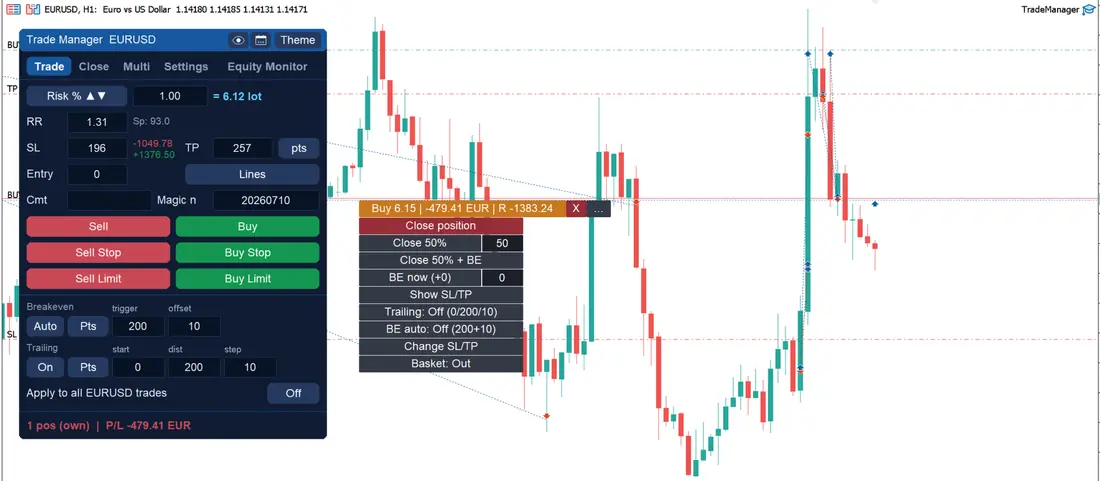
Market and pending orders sized by risk percent, by a fixed amount of money, or by fixed lots. The panel does the arithmetic before you click.
Levels you can drag
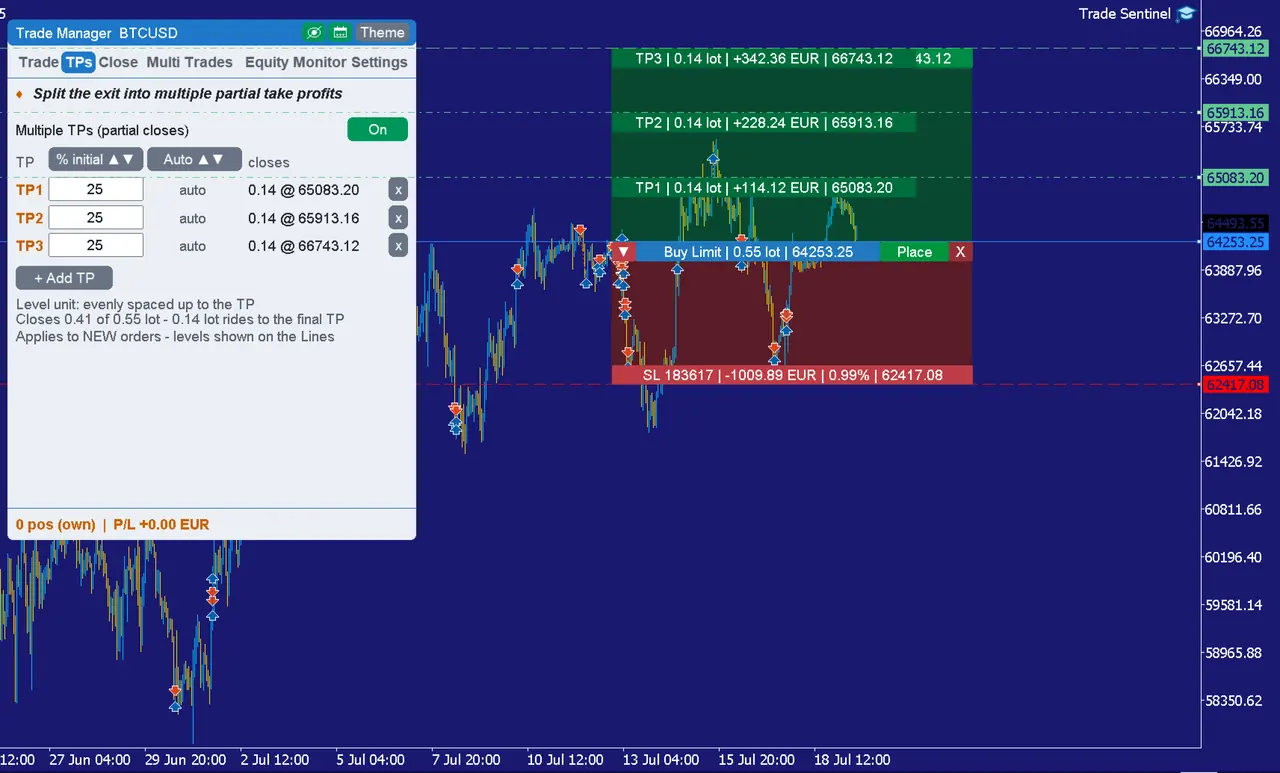
Move entry, stop and target with the mouse and see risk, reward and position value recalculate in real time.
Many positions, one trade
Group by symbol or by magic number and manage the group as a whole: shared take profit, shared stop, shared trailing.
Break-even, trailing, partials
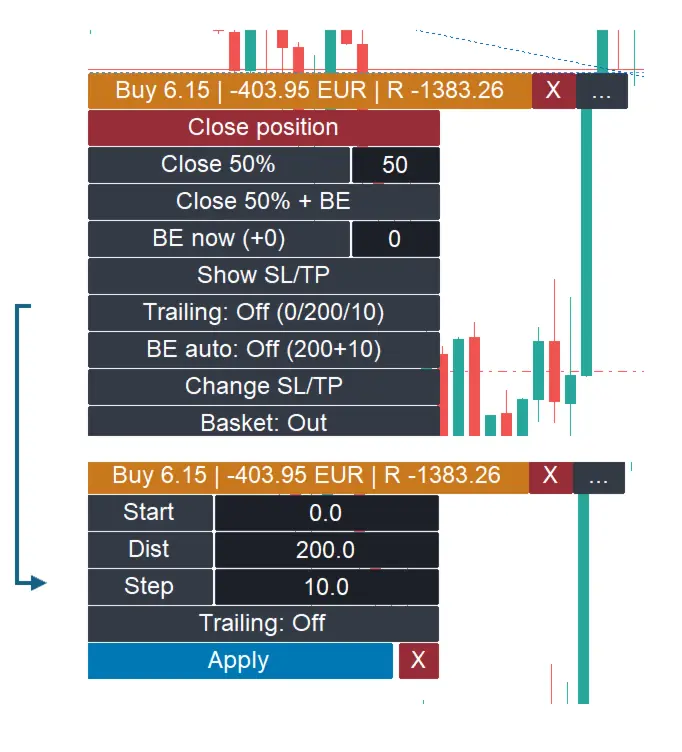
Automatic break-even triggers, trailing stops in the distance unit you prefer, and partial closes at the levels you set.
Take profit in layers
Split a trade across several take profit levels, each with its own share of the volume.
Daily and total loss limits
An alert at 80% of the limit, then automatic closing of the positions, or shutting the terminal down, when the line is reached.
News on the chart
Economic calendar events drawn as lines, filtered by importance and by the currencies you are trading.
Settings that survive restarts
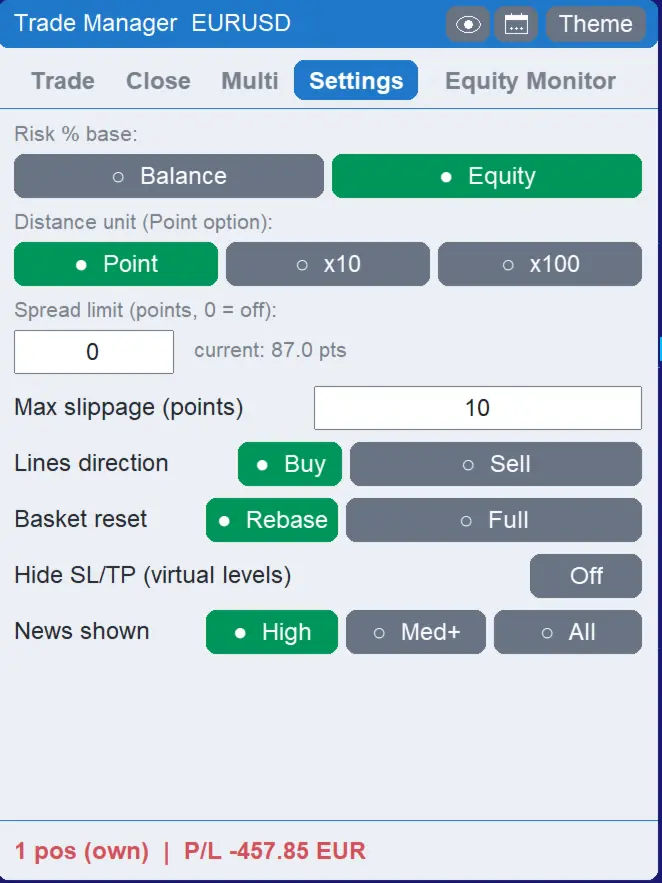
Light and dark themes, high resolution support, and every setting remembered per symbol.
Both enforce loss limits, and that is where the overlap ends. Trade Sentinel is the panel you work in: entry, sizing, baskets, management. Trade Guardian Pro is a silent supervisor for funded and evaluation accounts, with presets for the prop firms and no trading controls at all. Compare Trade Guardian Pro →
Straight from the product page.
Click any image to open it full size.
Trade Sentinel MT5
Sold on the MQL5 Market, with a free demo so you can put it on a demo account first. Current price and reviews are on the product page.
- Trading panel, basket manager and equity monitor in one
- Free demo available on the product page
- Updates through your MQL5 account