
TradingViewMetaTrader 5
Chart tools · MetaTrader 5

Use MT5 like TradingView.

Drag the chart freely, zoom with the wheel and jump to any date. Then draw lines, Fibonacci and zones, and mark Long or Short trades with live risk:reward. It only draws and alerts, so it runs next to any EA and never sends an order.

MT5Free demo5 activationsLight & dark
Trading View Toolkit floating menu on an MT5 chart

TradingView habits that now work in MT5

Drag the chart freely
Wheel zoom on time and price
Long & Short with live R:R
Alert lines & zones
Inside the toolkit

Every tool, one click from the menu.

Trading View Toolkit: Trend lines and channels
Lines

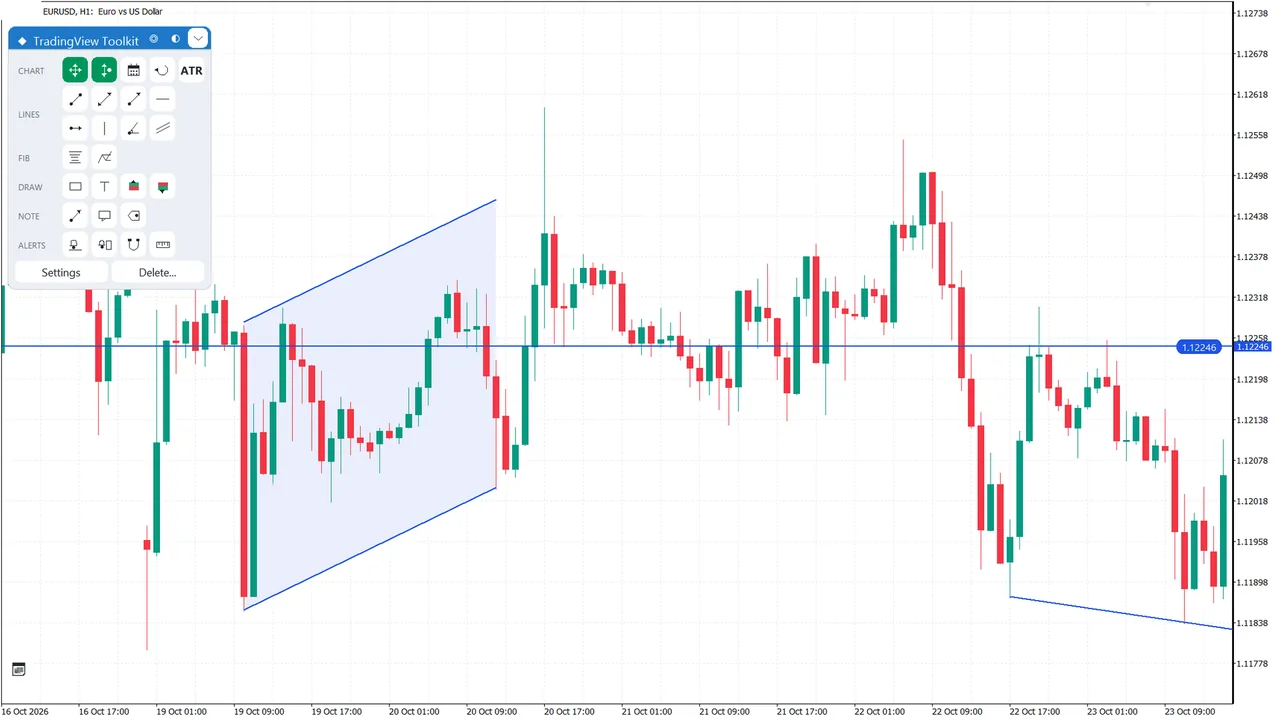
Trend lines and channels

Trend, extended, ray and horizontal lines, and parallel channels, each with its own colour and width.

  • Horizontal and vertical lines in one click
  • Bid cross alert on most line types
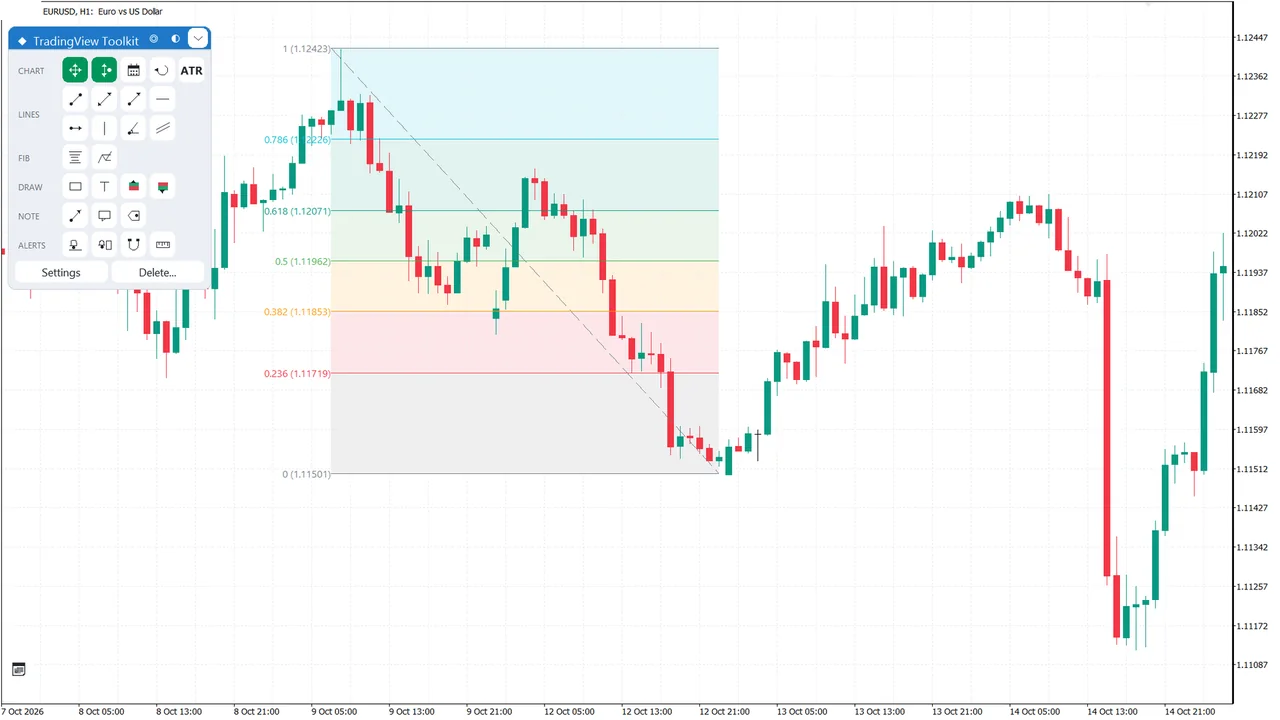
Trading View Toolkit: Retracement and extension, your levels
Fibonacci

Retracement and extension, your levels

Fibonacci levels with colours, shaded bands and an extend-to-right option.

  • Editable list of levels
  • Shaded bands between levels
  • Extend to the right
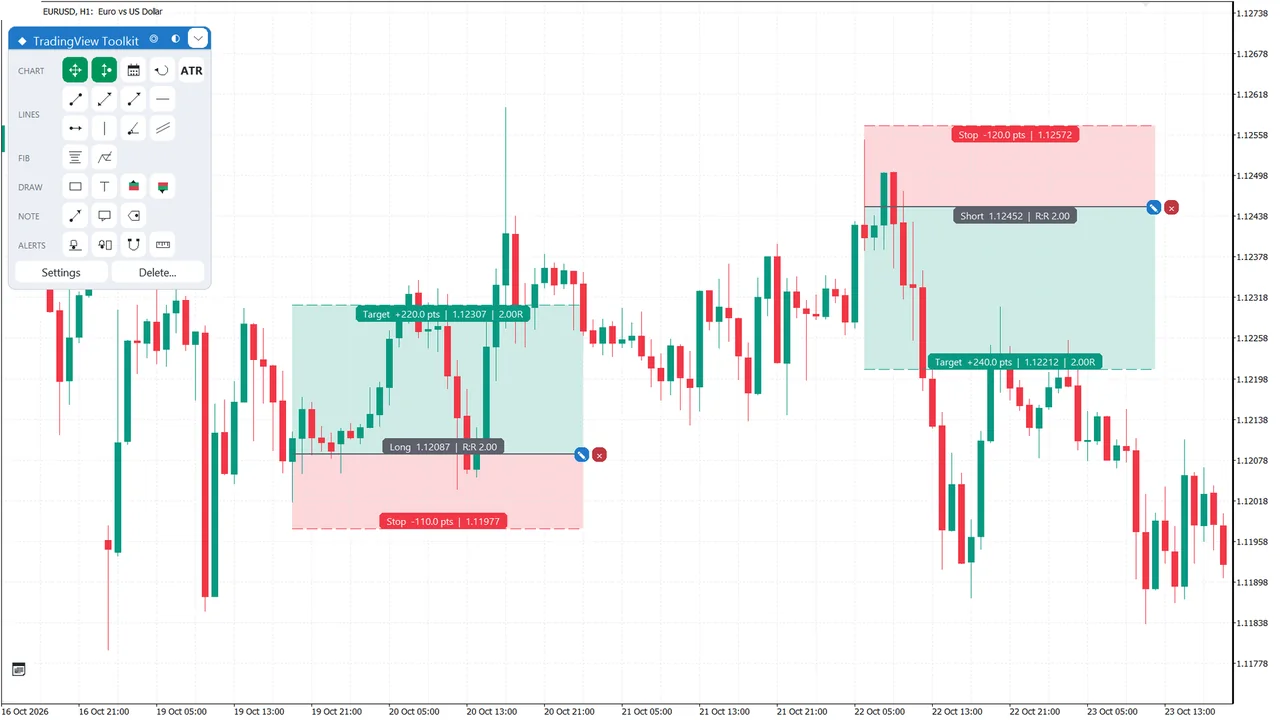
Trading View Toolkit: Long and Short with live risk:reward
Position

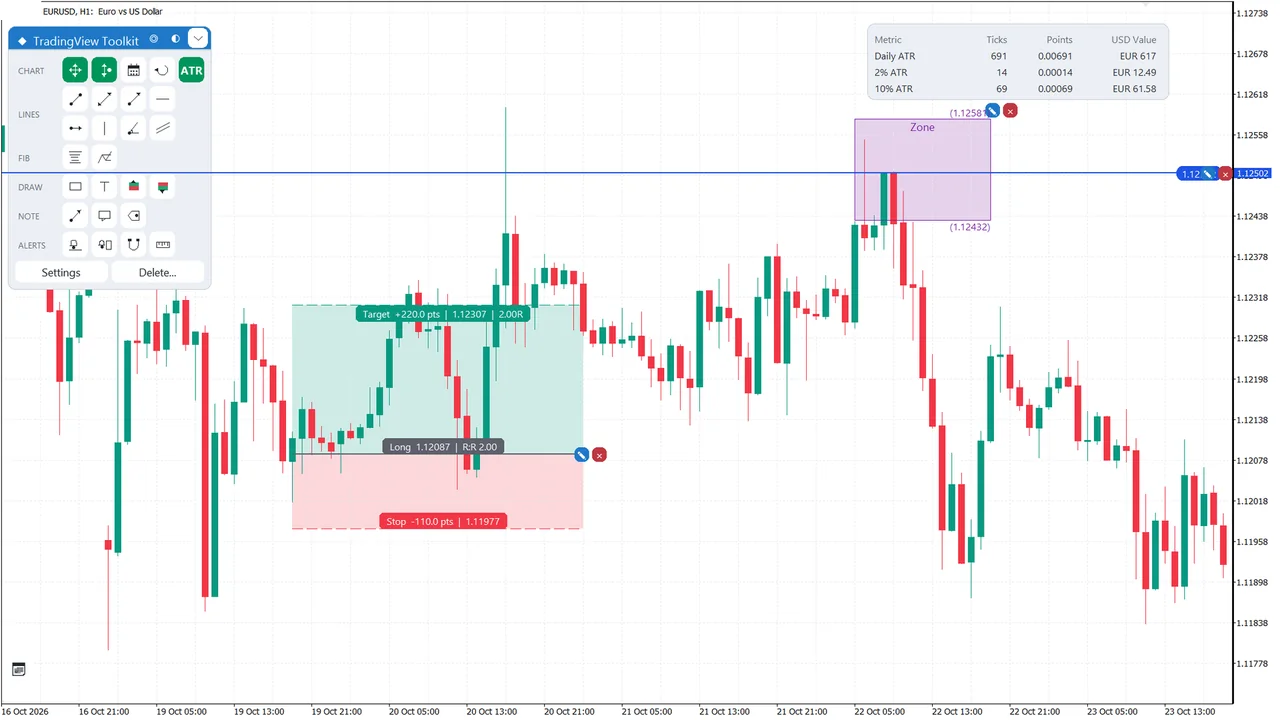
Long and Short with live risk:reward

Set entry, stop and target, then drag any of the three lines. The info bars show the risk:reward ratio as you move them.

  • Drag entry, stop or target
  • Live R:R in the info bars
  • Drawn only, no order is sent
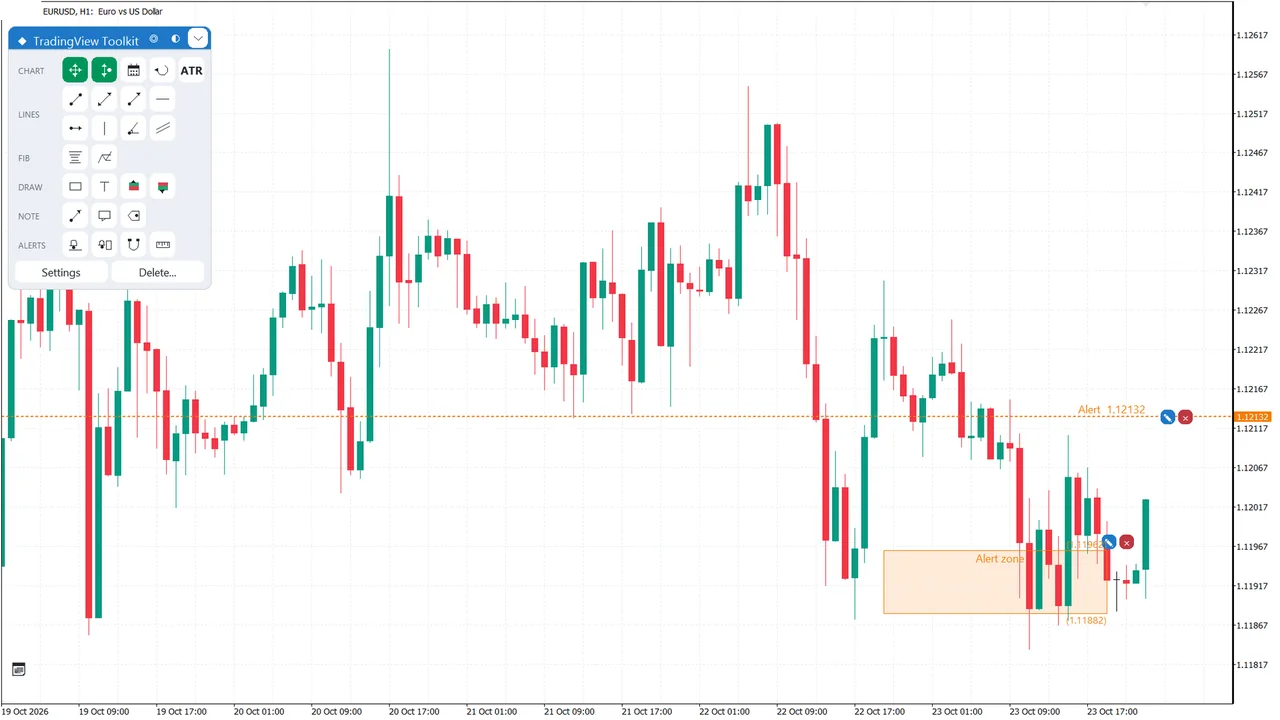
Trading View Toolkit: Alert lines and alert zones
Alerts

Alert lines and alert zones

An alert line fires on a price cross, an alert zone on entry. Each alert can pop up, play a sound or send a push notification.

  • Popup, sound or push per alert
  • Cross alerts on lines, entry alerts on zones
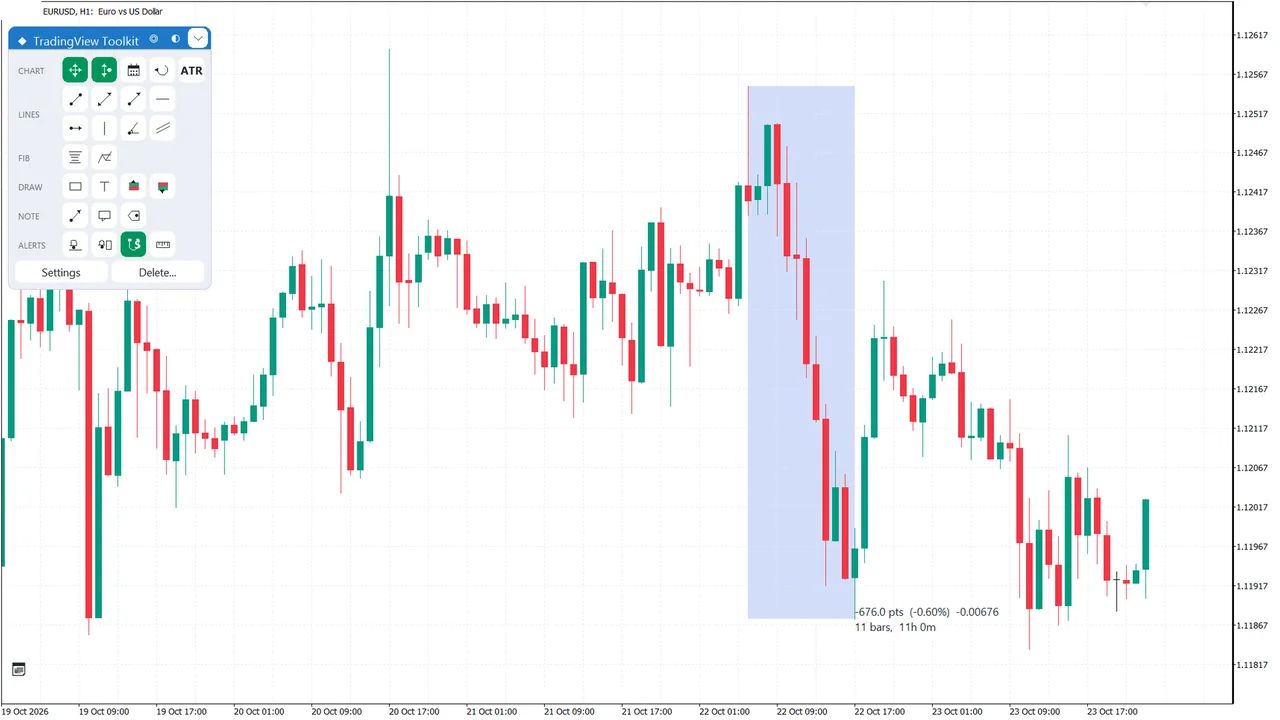
Trading View Toolkit: Measure exactly, snap to the bar
Ruler & magnet

Measure exactly, snap to the bar

The ruler measures price and bars between two points. The magnet snaps to the bar’s open, high, low or close.

  • Weak or strong magnet
  • Lock keeps the ruler on the chart
Trading View Toolkit: Select, edit and set exact values
Editing

Select, edit and set exact values

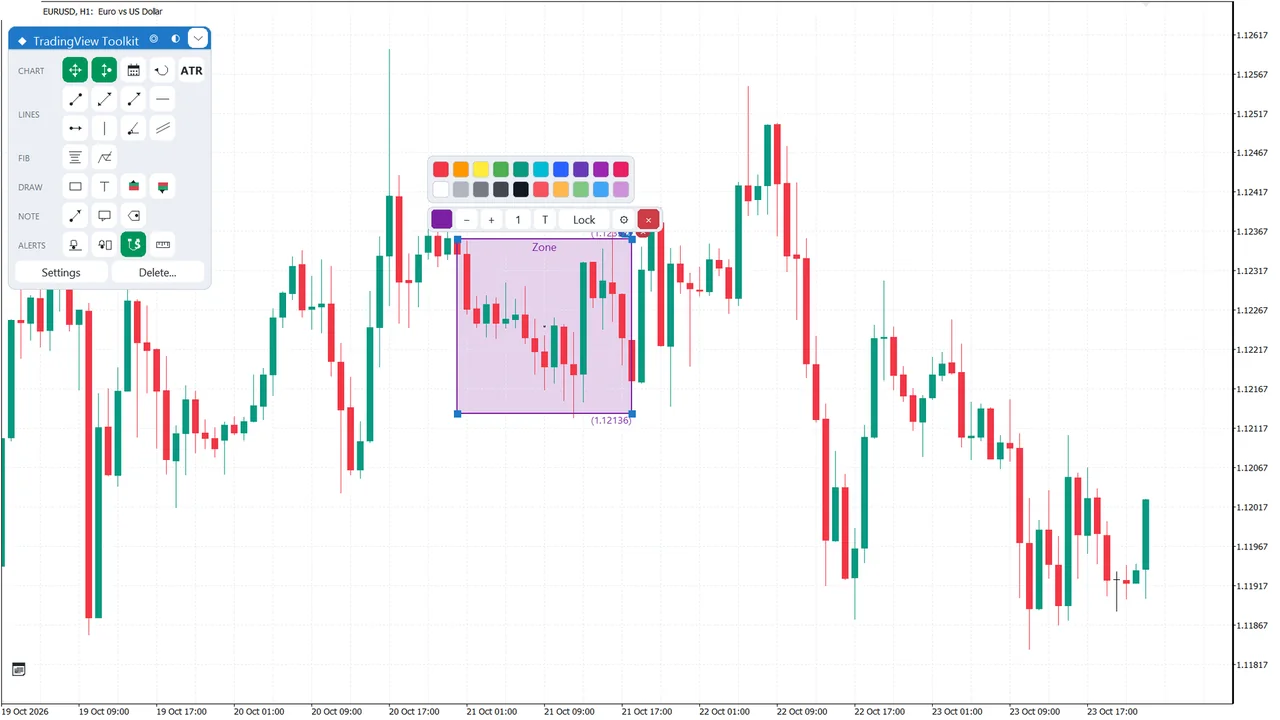
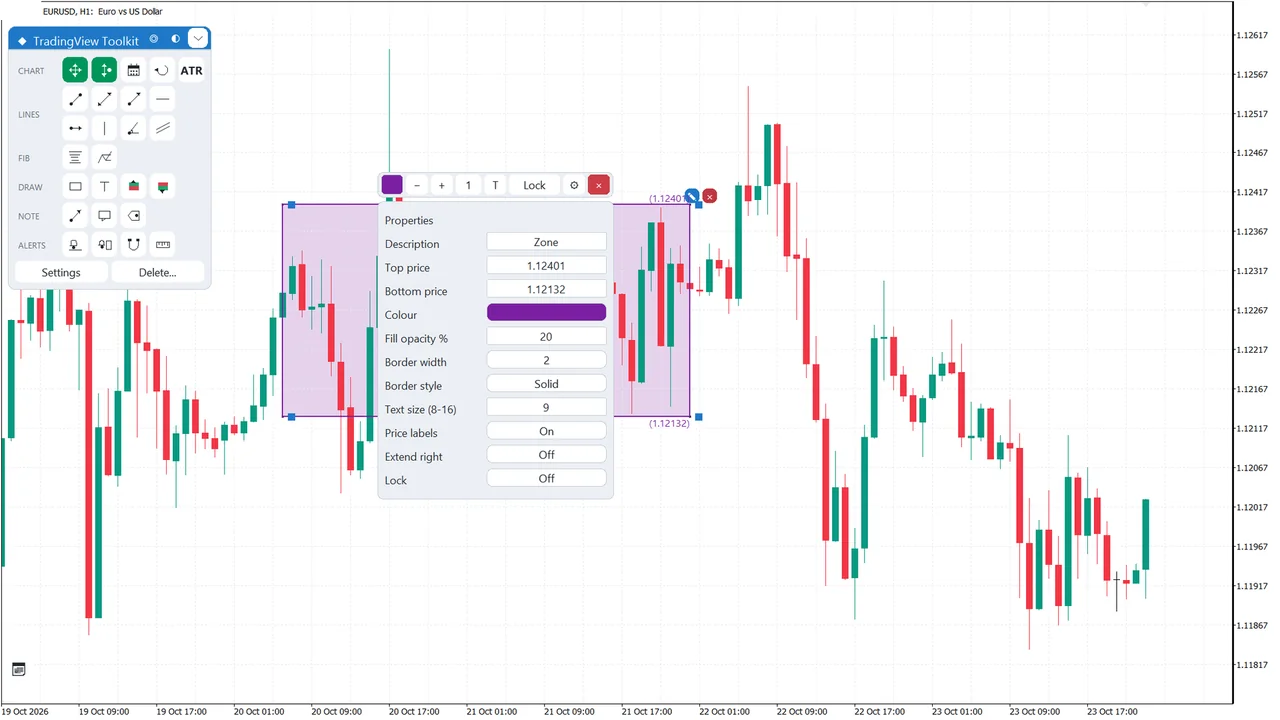
Click a drawing for its toolbar: colour, width, opacity. Open Properties for exact values, and Ctrl+Z brings back recent deletes.

  • Toolbar on every selected drawing
  • Ctrl+Z undoes up to 10 delete steps
Screenshots

Every screen, full size.

Trading View Toolkit: The floating menu, grouped by job
The floating menu, grouped by job
Trading View Toolkit: Lines and channels
Lines and channels
Trading View Toolkit: Fibonacci retracement and extension
Fibonacci retracement and extension
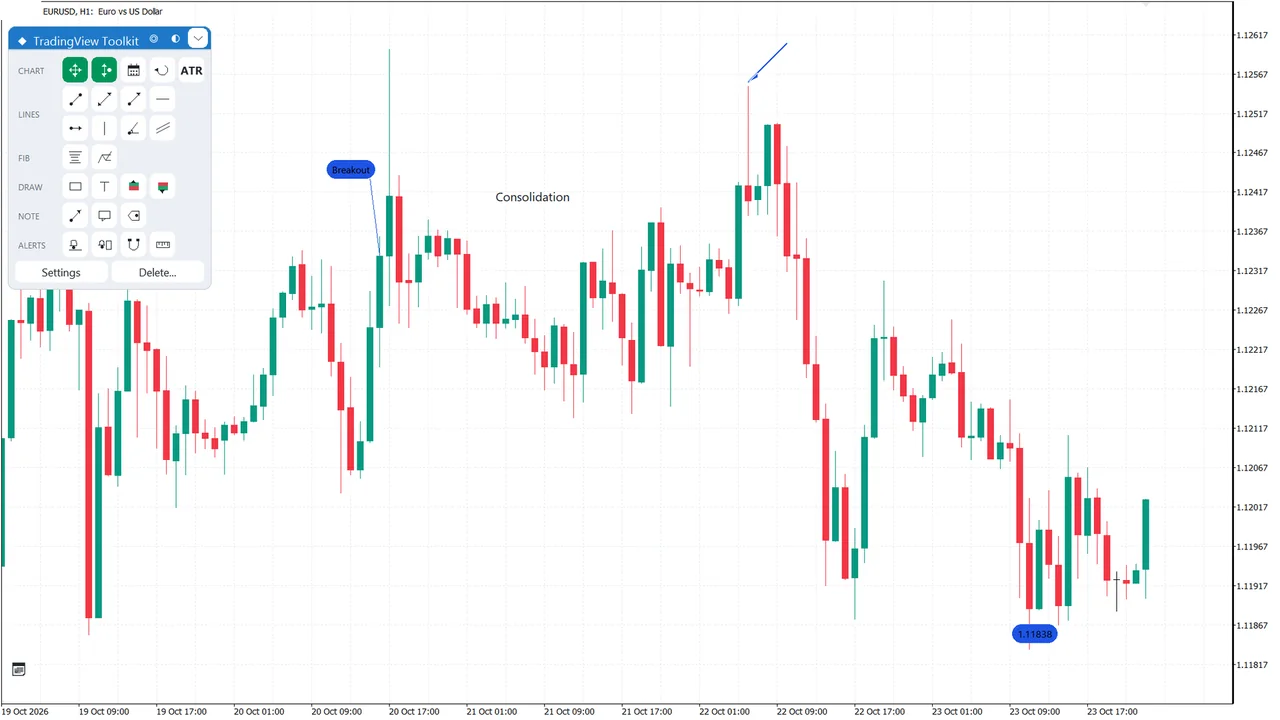
Trading View Toolkit: Arrows, callouts and price labels
Arrows, callouts and price labels
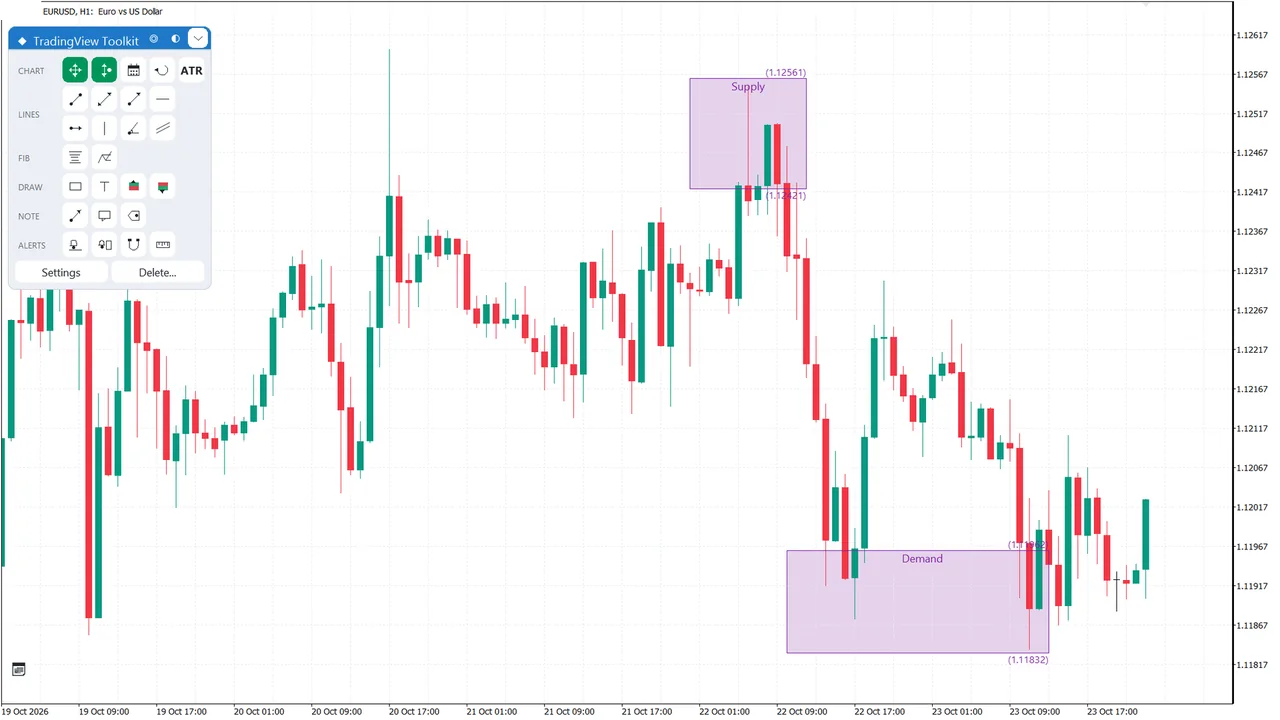
Trading View Toolkit: Rectangles with labels
Rectangles with labels
Trading View Toolkit: Long and Short with R:R
Long and Short with R:R
Trading View Toolkit: Alert lines and zones
Alert lines and zones
Trading View Toolkit: Ruler & magnet
Ruler & magnet
Trading View Toolkit: Select and edit a drawing
Select and edit a drawing
Trading View Toolkit: Properties for exact values
Properties for exact values
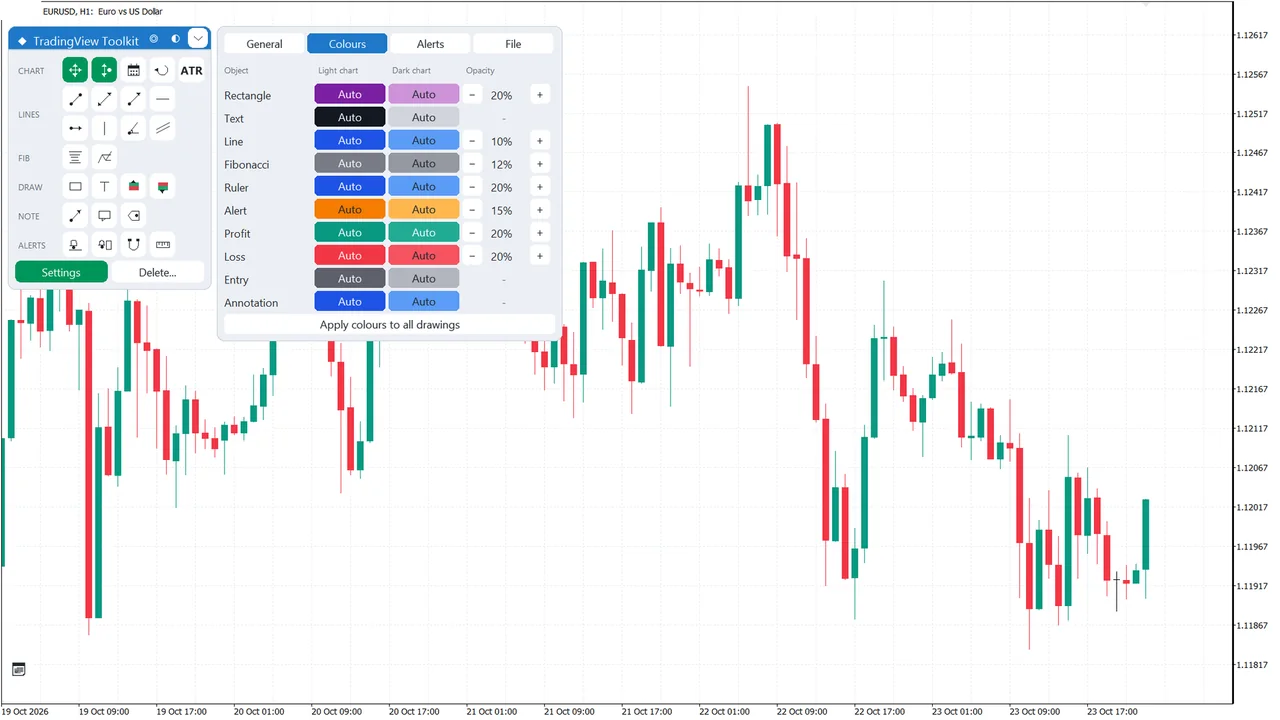
Trading View Toolkit: Settings in four tabs
Settings in four tabs
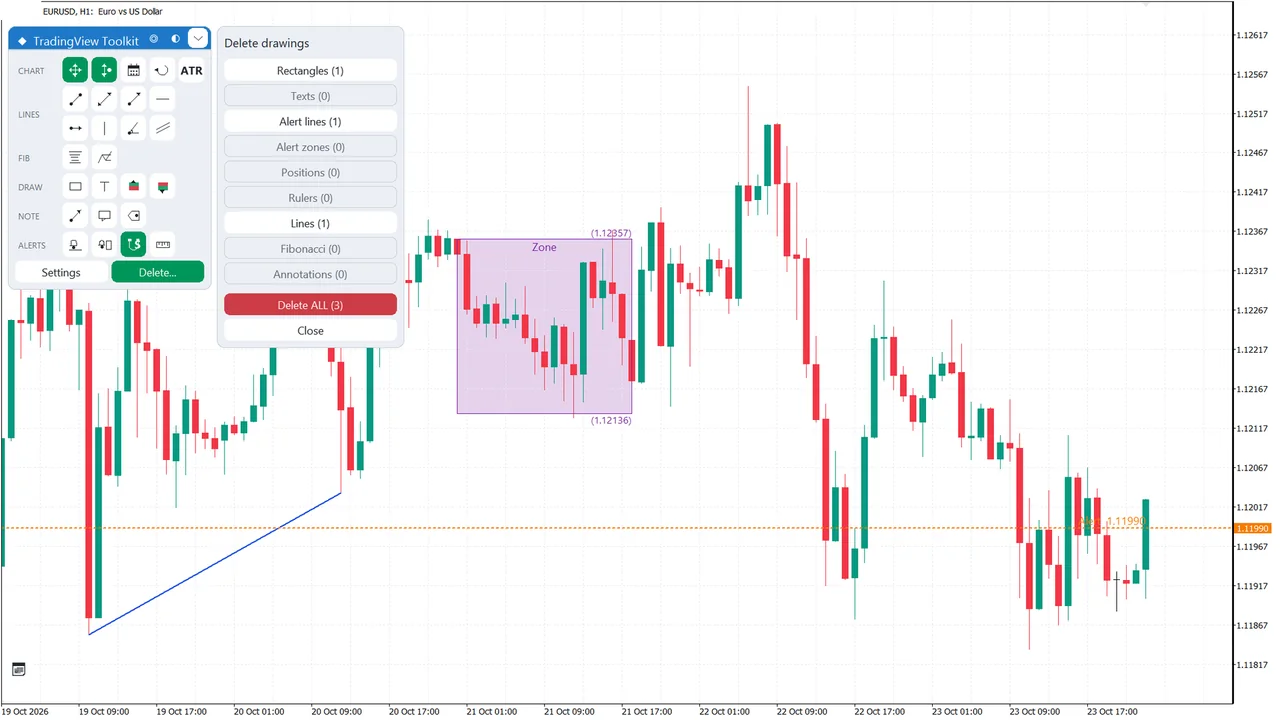
Trading View Toolkit: Delete with a second click
Delete with a second click

Click any image to open it full size.

Drawing tools or trading panel?

It draws and alerts, and never sends an order. For sizing and placing trades, use Trade Sentinel. Both run on the same chart. See Trade Sentinel →

Where to get it

Trading View Toolkit MT5

Sold on the MQL5 Market, with a free demo so you can put it on a demo account first. Current price and reviews are on the product page.

MetaTrader 5
$30one-time
  • 5 activations
  • Free demo on the MQL5 Market page
  • Updates through your MQL5 account
  • MT5 only, no MT4 version
Buy on MQL5 Market ↗Read the user guide ↗
FAQ

Questions before you buy.

Does it place trades?

No. It draws, measures and alerts. Orders stay with you or your EA.

Does it work with my EA or Trade Sentinel?

Yes. It runs on the same chart as any Expert Advisor or panel, Trade Sentinel included.

Is there an MT4 version?

No. Trading View Toolkit is for MetaTrader 5 only.

Can I try it first?

Yes, there is a free demo on the MQL5 Market page. Mouse drawing needs a live or demo chart, since the Strategy Tester sends no mouse events.

Draw like on TradingView. Trade on MetaTrader.